Photo Strip Print Sizes and Resolution
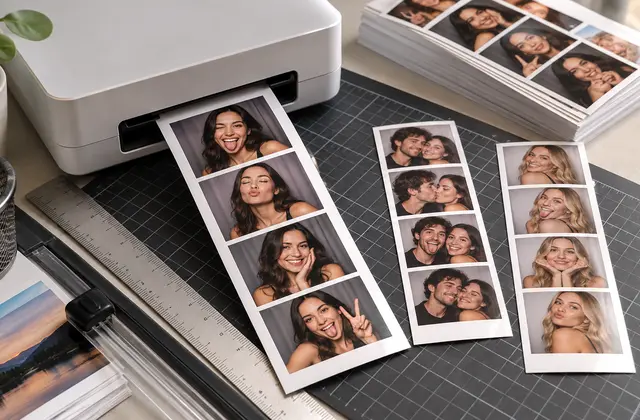
When printing photos, check both the physical print size and the image's pixel dimensions.
How can you use this information?
For example, a 2×6-inch print requires approximately 600×1800 pixels at 300 DPI. Allow for margins and safe areas depending on the printer and trimming process.
Print Size Calculation Examples
- 2×6 inches: approximately 600×1800 pixels at 300 DPI
- 4×6 inches: approximately 1200×1800 pixels at 300 DPI
- Check aspect ratio and trim area before printing
- Enlarging a low-resolution source may reduce print quality
DPI describes print density; it cannot automatically add details missing from an image.
Practical Printing Guide
Calculating Print Size at 300 DPI
Multiply the width and height in inches by 300 to find the required pixel dimensions. A 2×6-inch print needs 600×1800 pixels; a 4×6-inch print needs 1200×1800 pixels.
Image Quality vs. DPI
Setting a low-resolution image to 300 DPI does not restore missing details. Check the source image's actual pixel dimensions before printing.
Checking Trim Margins and Frames
Outer borders, bottom captions, and logos may be trimmed. Follow your print provider's recommended margins and keep important elements away from the edges.
Frequently Asked Questions
Does Higher DPI Always Mean Sharper Prints?
No. Increasing DPI alone cannot add detail if the source image lacks sufficient pixels or quality.
Create Four-Frame Photos with LIFE FRAME →